Code Editing. Redefined
Visual Studio Code redefines AI-powered coding with GitHub Copilot for building and debugging modern web and cloud applications. Visual Studio Code is free and available on your favorite platform - Linux, macOS, and Windows.

a Text Editor created and maintained by Microsoft.
Tool Use
2025, Mar 05. How To Create Custom VSCode Snippets WebDev Simplified on YouTube.
Create your own Keybindings
The Keybindings are stored in a JSON file at the following path: Users/[your-username]/Library/Application Support/[App Name]/User/keybindings.json
For me, the path is: Users/mpstaton/Library/Application Support/Windsurf/User/keybindings.json
The Keybindings JSON file takes this as the data: ``json // Place your key bindings in this file to override the defaults [{ "key": "ctrl+shift+c", "command": "editor.action.insertSnippet", "when": "editorIsOpen" } ] ``
https://youtu.be/ifTF3ags0XI?si=eWB12fOiURyniG8U
https://youtu.be/lxRAj1Gijic?si=GLRWAxtOtD75c7KS
<iframe style="aspect-ratio:9/16;width:40%;height:auto" src="https://youtube.com/shorts/3O6BFlOiFRg?si=A8onX1t8spfsDqo0&controls=0" title="YouTube video player" frameborder="0" allow="accelerometer; clipboard-write; encrypted-media; gyroscope; picture-in-picture; web-share" referrerpolicy="strict-origin-when-cross-origin" allowfullscreen </iframe>
Written in TypeScript
VS Code Extensions
VS Code has a very robust Extension library.
The extensions take a primary role, and VS Code has many subtle designs to encourage every user to access the extensions that will help them the most. !Screenshot 2025-01-20 at 11.51.48 AM_VS-Code.png Similar to an App Store, the Extension feature within VS Code manages extension updates, as well as helps users rid themselves of ones that are no longer supported. !Screenshot 2025-01-20 at 11.55.15 AM_VS-Code.png VS Code also designs for Frictionless Commerce, enabling Extension providers to enact their own licensing and paywall policies -- using VS Code's notification mechanisms: !Screenshot 2025-01-22 at 2.27.51 PM_VS-Code--Commerce.png
VS Code also employs the Come one, come all approach, allowing anyone to try to build and publish an Extension. Notice the "Build your own" and "Publish extensions" options in the upper right corner. !Screenshot 2025-01-20 at 12.40.13 PM_VS-Code.png Because VS Code has such a streamlined and open Extension Library, most Influencers developers do their demonstrations on YouTube using VS Code. !Screenshot 2025-01-22 at 1.43.58 PM_watsonX--VSCode-Extension 1.png [^4fcd73] https://youtu.be/lxRAj1Gijic?si=DqzXItZ8hEmW1q3D
Footnotes
[^4fcd73]:
Related in the catalogue

A symlink farm manager
gnu.orgTakes distinct packages of software and/or data located in separate directories on the filesystem, and makes them appear to be installed in the same place.
Build your Component Library - shadcn/ui
ui.shadcn.comA set of beautifully-designed, accessible components and a code distribution platform. Works with your favorite frameworks. Open Source. Open Code.
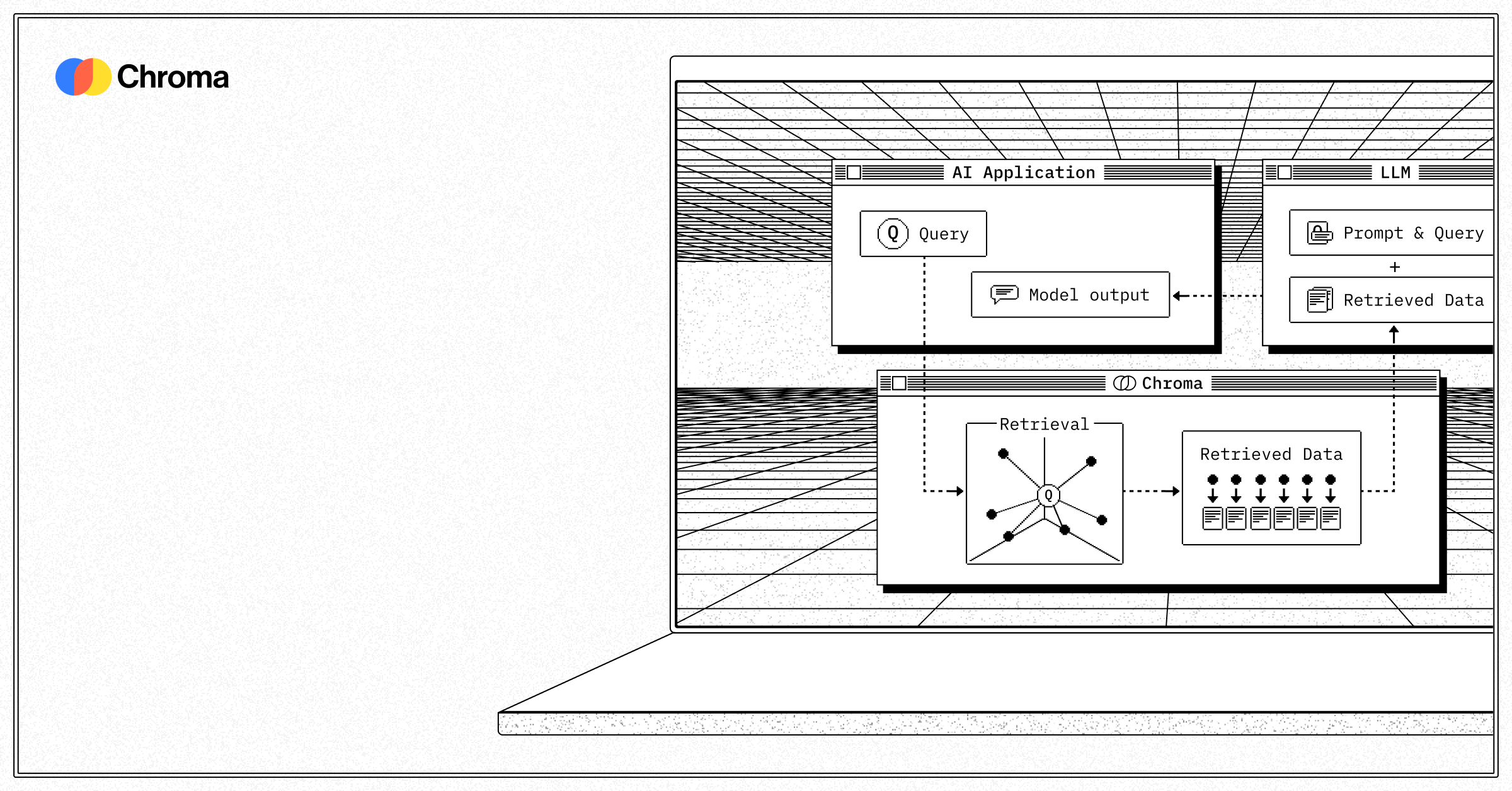
ChromaDB
trychroma.comChroma is the open-source AI application database. Batteries included.

NATS is a simple, secure and performant communications system and data layer for digital systems, services and devices.
nats.ioNATS provides an always-on messaging system, encompassing traditional pubsub with interest-based propagation, persistence with streaming replays, key/value storage and object storage. NATS provides a flexible set of powerful authentication and authorisation access controls.